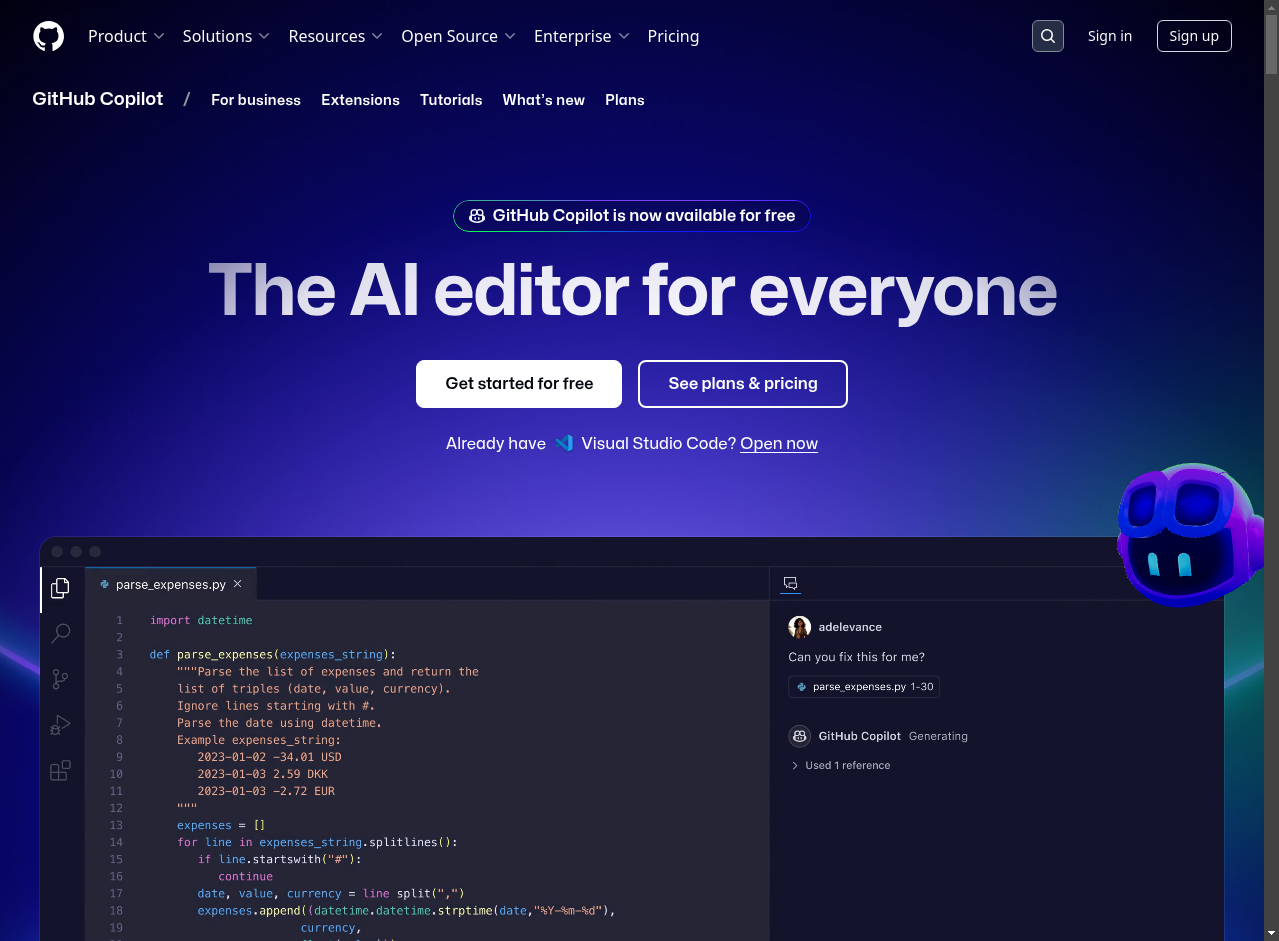
Welcome to the GitHub Copilot Workshop
This workshop helps developers experience GitHub Copilot through practical labs. You will use Copilot for code completion, read-only help, code generation, tests, refactoring, agentic workflows, and MCP-based tool integration.
What is GitHub Copilot?
GitHub Copilot is an AI coding assistant integrated into developer tools such as Visual Studio Code, Visual Studio, JetBrains IDEs, GitHub.com, and GitHub CLI. It can use your prompt, editor context, repository context, selected model, and approved tools to help you understand, write, improve, and test code.
In this workshop we use these concepts:
- Code completions for suggestions while typing.
- Ask-style chat for read-only explanations, learning, and code snippets.
- Agentic coding workflows for changes across files, terminal commands, tests, and tool use with your approval.
- MCP tools to extend Copilot with external capabilities such as GitHub and Playwright operations.
- Model selection to match the task, usually starting with Auto when it is available.
What you will learn
By the end of the workshop, you should be able to:
- Explain where Copilot can help in a developer workflow.
- Use Copilot safely with clear prompts, context, review, and tests.
- Choose between read-only help and agentic workflows.
- Apply Copilot to web, Python, Java, API, and MCP scenarios.
- Keep generated code under developer control through review and validation.
Workshop structure
The content is organized into:
- Introduction and setup - accounts, IDE setup, Copilot basics, and safety guidance.
- Hands-on labs - practical exercises for fundamentals, APIs, and tests.
- Agentic and MCP scenarios - advanced labs that use tools and multi-step workflows.
Start with the Workshop Overview, then choose the hands-on labs that fit your audience and available time.